Accessibility


Yellow Slice
Making your websites as user-friendly as possible is known as accessibility. Accessibility is the process of ensuring that everyone can have equal and inclusive access to data, goods, services, and surroundings, irrespective of their skills or limitations.
Everyone gains from accessibility because it makes technology simpler to use. The approach involves understanding and guarantees that every person has access to the same chances, assets, and data.
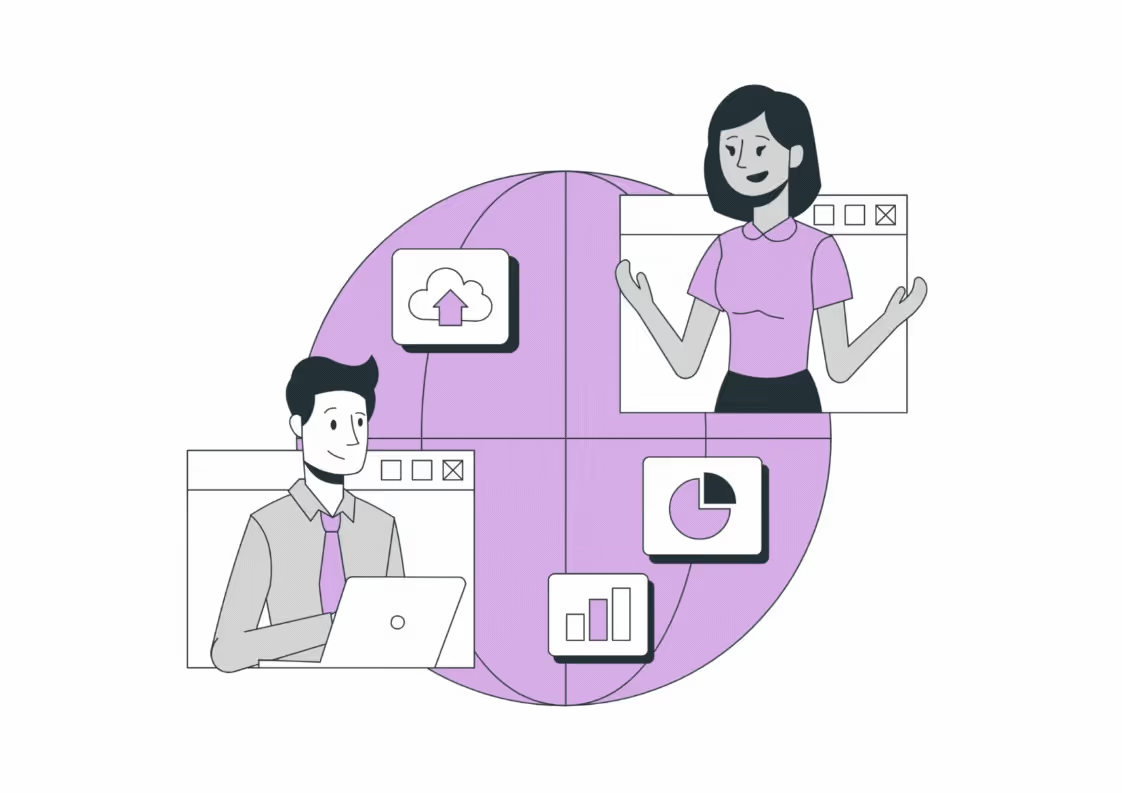
Alt text: Accessibility
Note: The source is not mentioned because the image is created.
Android accessibility settings are a collection of features and options developed to make it easier for people with impairments to access and use Android devices. These settings offer a wide selection of equipment and modifications, including choices for those who have physical, visual, or hearing impairments.
FAQs
Q1. What are the 4 types of accessibility?
Ans. The foundation of WCAG comprises four key accessibility governing principles. These four qualities are collectively referred to as POUR, which stands for perceivable, operable, understandable, and robust.
Q2. What are accessibility tools?
Ans. The use of accessibility testing tools may help website testers and developers make certain that a website complies with accepted accessibility guidelines like the Web Content Accessibility Guidelines (WCAG) and offer suggestions for making the website more accessible.
Q3. How can we increase accessibility?
Ans. The following ways can help increase accessibility:
- Implementing a content management system
- Organise and design with headers
- Give alt text for images
- Use proper colour contrasts
- Use tables to present information
- Ensure easy keyboard website navigation
- Descriptive titles for links

Let's create something amazing!
Let's discuss your vision and how we can bring it to life with impactful design solutions.
.avif)
Good design starts with Sliced Newsletter
Subscribe to the Sliced newsletter and get the best of research, UX writing, product psychology, CX, and design systems, right in your inbox.